
Download Rofayel Notebook – Markdown-Based Note-Taking Tool for Productivity
Overview
Rofayel Notebook is a markdown-based note-taking application designed to simplify the process of capturing and organizing thoughts. Built with a focus on minimalism and efficiency, the app provides a distraction-free environment ideal for writers, students, professionals, and anyone seeking to declutter their digital workspace. Its core purpose lies in helping users maintain structured, readable, and easily accessible notes without the complexity of feature-heavy alternatives.
The app addresses common pain points associated with digital note-taking, such as visual clutter, inconsistent formatting, and fragmented workflows across devices. By integrating full markdown support, Rofayel Notebook enables users to format their notes with headers, lists, links, and other elements while preserving clean, readable output. This makes it particularly useful for technical documentation, journaling, project planning, and academic writing.
Target users include individuals who value precision in their writing and prefer a lightweight, focused tool over bloated note-taking platforms. The developer did not provide additional background details, but the app’s design philosophy suggests a strong emphasis on usability and user control. Real-world use cases range from daily journaling and meeting notes to content creation and personal knowledge management.
Rofayel Notebook fills a niche in the mobile app ecosystem by offering a streamlined, markdown-native solution that prioritizes clarity and consistency. Its presence supports the growing demand for tools that balance simplicity with functionality in a world saturated with complex digital assistants.
Key Features & Functionality
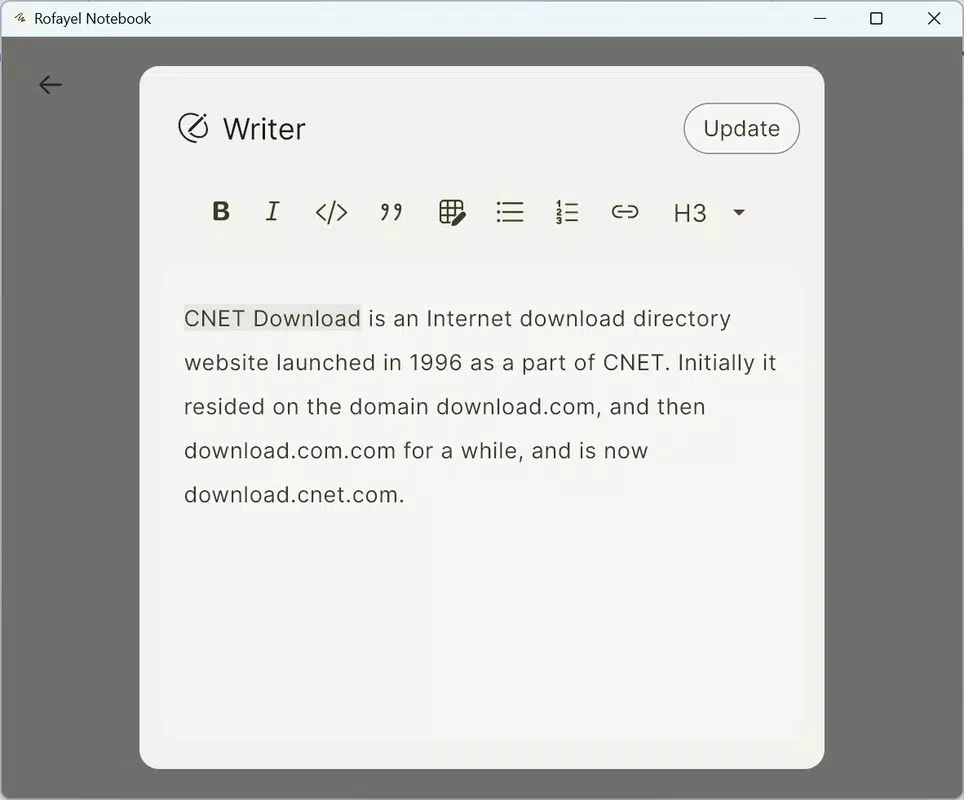
- Markdown Support: Full compatibility with markdown syntax allows users to structure notes with headers, bullet points, bold/italic text, code blocks, and hyperlinks. This ensures that content remains both readable and well-organized, even when exported or shared.
- Minimalist Design: The interface is intentionally simple, featuring a clean layout with no unnecessary icons or animations. This reduces cognitive load and helps users maintain focus on their writing, creating an optimal environment for deep work.
- Effortless Organization: Notes can be categorized using tags or folders, enabling quick retrieval and logical grouping. This feature supports long-term content management without requiring complex setup or learning curves.
- Cross-Device Syncing: Users can access their notes across multiple devices, ensuring continuity whether switching between smartphone, tablet, or computer. This functionality enhances accessibility and supports dynamic workflows.
For example, a student might use Rofayel Notebook to draft lecture summaries with embedded links to sources, tag each note by subject, and sync it to their tablet for review. A freelance writer could structure blog outlines using markdown formatting and access them from any device during travel. The app’s design empowers users to work efficiently without interruptions or technical friction.
Interface, UX & Performance
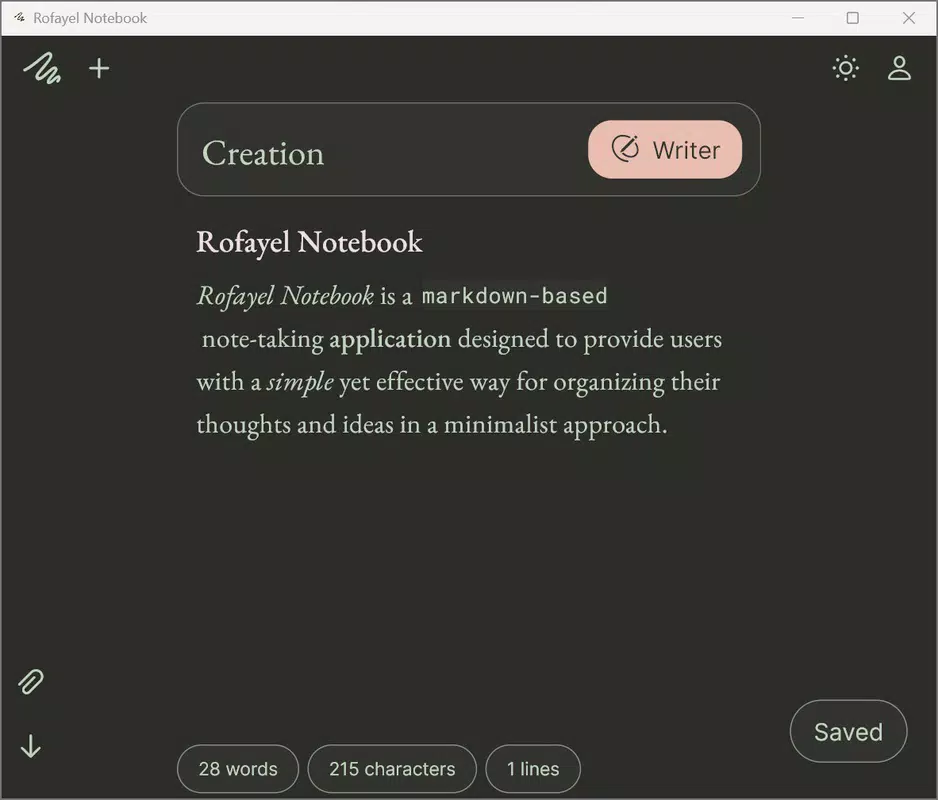
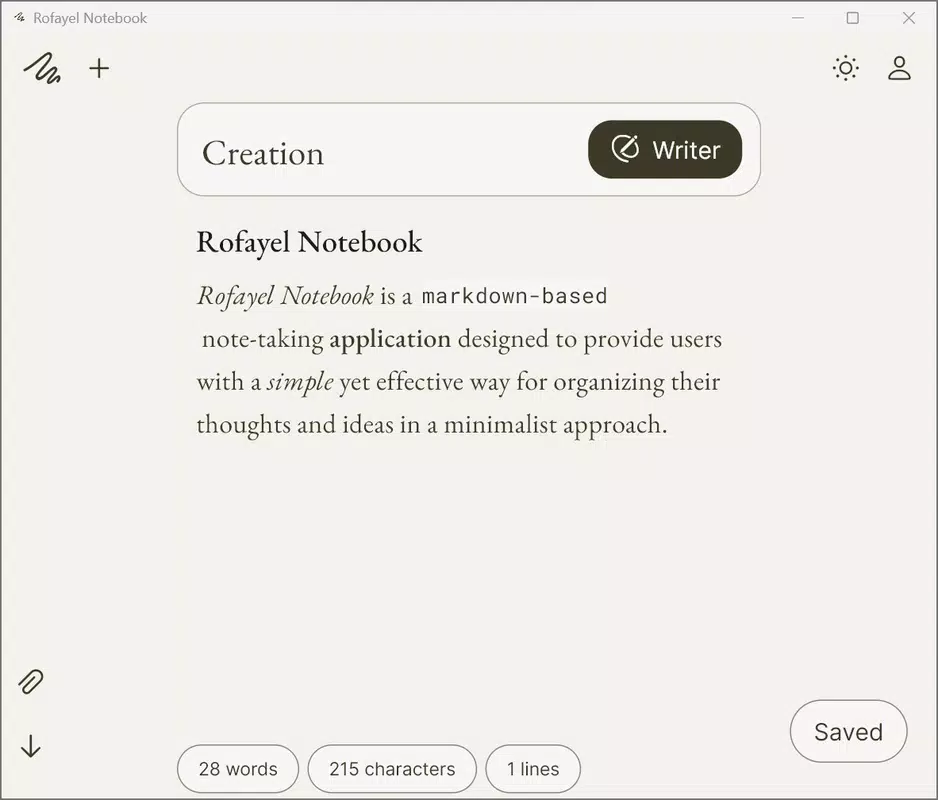
Rofayel Notebook presents a clean, intuitive interface that prioritizes readability and ease of use. The layout is centered around a single text editor with minimal navigation elements, promoting a distraction-free writing experience. Visual styling is subdued, relying on neutral colors and ample white space to enhance focus and reduce eye strain.
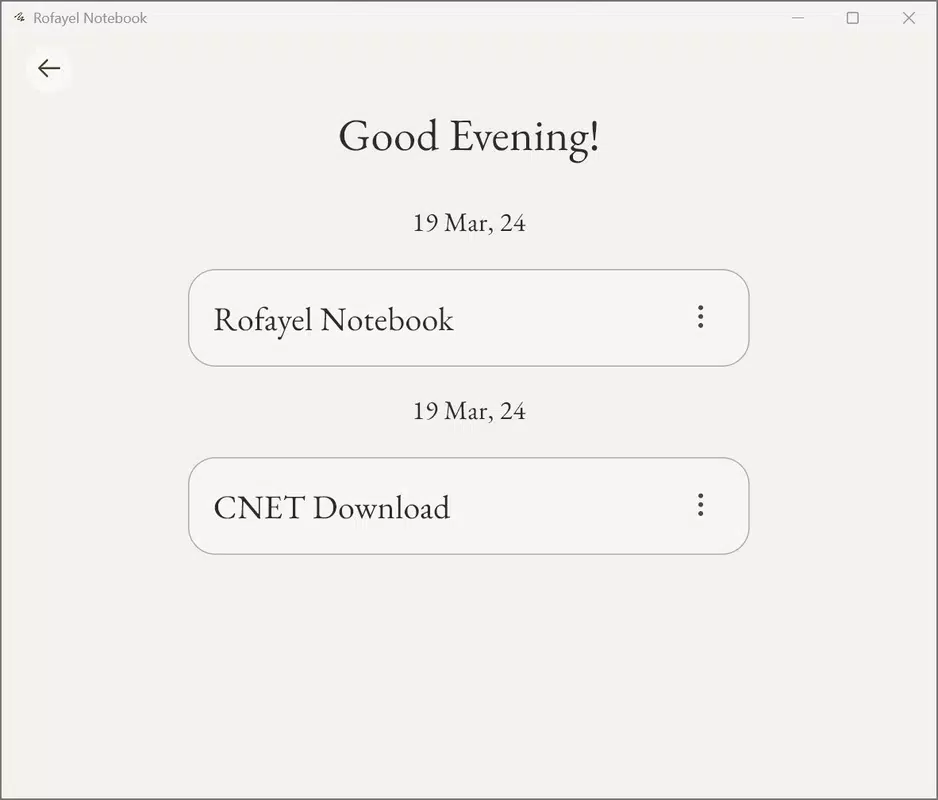
Navigation is straightforward, with a simple menu system that allows users to access their note library, settings, and organizational tools. The flow between creating, editing, and organizing notes is smooth and consistent, minimizing the number of taps required to complete common tasks. This contributes to a highly efficient workflow, especially for users who value speed and simplicity.
Although the developer did not list formal performance metrics, the app appears to be optimized for responsiveness across various device categories. Users can expect stable operation during extended writing sessions, with minimal lag or crashes. The application maintains consistency in rendering markdown formatting, ensuring that notes appear as intended across sessions.
Stability and reliability are evident in the seamless syncing process and consistent behavior during routine use. The app’s lightweight nature suggests it runs efficiently on both low-end and high-end devices, though specific hardware requirements were not disclosed.
Platform Compatibility & Technical Requirements
Rofayel Notebook is available on Android and iOS platforms, supporting a wide range of mobile devices. The app’s file size is reported as 14.2 MB, indicating a lightweight footprint that minimizes storage impact and download time.
Specific OS version requirements were not listed by the developer. Compatibility information was not fully disclosed, so users should verify device compatibility through their respective app stores. The software version is 1.0.0, released on March 19, 2024.
Given the app’s size and design focus, it is likely optimized for modern smartphones and tablets. However, without official specifications, users are advised to consult their device’s operating system requirements before installation.
Pros and Cons
Pros
- Full markdown support for structured, readable notes
- Minimalist, distraction-free interface enhances focus
- Effortless organization with tags and categories
- Cross-device syncing ensures accessibility across platforms
- Lightweight file size reduces storage usage
Cons
- Specific OS requirements were not disclosed
- Developer did not provide detailed technical specifications
- No built-in templates or advanced collaboration tools
- Syncing reliability may vary without official performance data
- Limited customization options in the current version
FAQ
Is Rofayel Notebook available for free?
Yes, Rofayel Notebook is available for free on both Android and iOS platforms. Users can download and install the app without any upfront cost.
Can I use Rofayel Notebook offline?
Yes, the app supports offline usage. Users can create, edit, and organize notes without an internet connection. Syncing occurs automatically when connectivity is restored.
Does Rofayel Notebook support file export?
The app allows users to export notes in various formats, including plain text and markdown files. This enables easy sharing and integration with other tools.
How secure is my data in Rofayel Notebook?
The app uses standard cloud-based syncing protocols to protect user data. While the developer did not specify encryption details, data is transmitted securely during sync operations.
Can I update Rofayel Notebook on multiple devices?
Yes, updates are applied automatically across all devices linked to the same account. This ensures that all devices run the latest version of the app.
Final Thoughts
Rofayel Notebook stands out as a focused, minimalist tool for users who value clarity and efficiency in their digital note-taking process. Its integration of markdown support, clean interface, and cross-device syncing makes it a strong contender for anyone seeking a lightweight alternative to mainstream note apps. While it lacks advanced features like templates or team collaboration, its simplicity is its greatest strength.
Professionals, students, writers, and digital minimalists will benefit most from its streamlined workflow and distraction-free environment. The app delivers clear value by reducing friction in daily writing and organization tasks.
With its compact size, intuitive design, and emphasis on user control, Rofayel Notebook offers a reliable solution for managing thoughts and ideas. For those looking to simplify their digital life, this app is a thoughtful and effective choice.
Download Rofayel Notebook now


